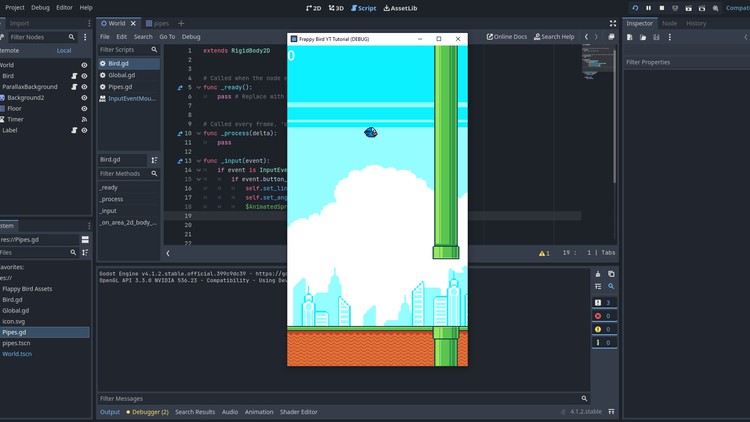
Learn the basics of the godot engine interface by creating a flappy bird clone!
What you will learn
Develop foundational skills in Godot 4.0 game engine
Create challenging game levels with obstacles, physics, and balanced difficulty.
Understand and Learn the basics of the Godot Engine Interface
Learn how to playtest and iterate game design.
Description
Embark on an exciting journey into the world of game development as you explore the fundamentals of the Godot Engine interface by crafting your very own Flappy Bird clone! In this immersive experience, you’ll discover the power of one of the industry’s most versatile game development platforms.
Through hands-on tutorials and step-by-step guidance, you’ll grasp the essential concepts of game design, such as scene creation, player controls, and physics. As you delve into the creation process, you’ll gain insights into the art of game programming, scene transitions, and the dynamics of game objects.
‘;
}});
By the end of this engaging adventure, you’ll not only have a functional Flappy Bird replica but also a solid foundation in Godot’s interface and game development principles. Whether you’re a seasoned developer looking to expand your skills or a complete novice, this course promises a rewarding and educational experience that will set you on the path to creating your own gaming masterpieces.
This interactive journey is designed to be accessible to all, making it perfect for beginners while offering valuable insights to more experienced developers. You’ll also explore the art of game asset creation, sound integration, and fine-tuning gameplay mechanics, ensuring your Flappy Bird clone is polished and ready for the world to enjoy. Dive into the world of Godot, and watch your game development skills take flight!